From Inspiration to Real Experience.
A simple flow to save, organize and actually try the things you love.



Share. Organize. Try.
Share
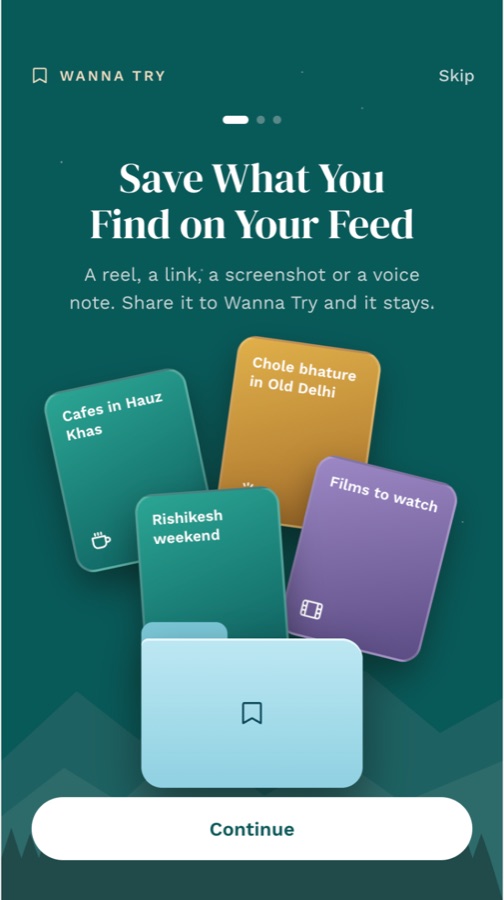
Save interesting reels, links, places or ideas. Share from Instagram, YouTube or anywhere.
Organize
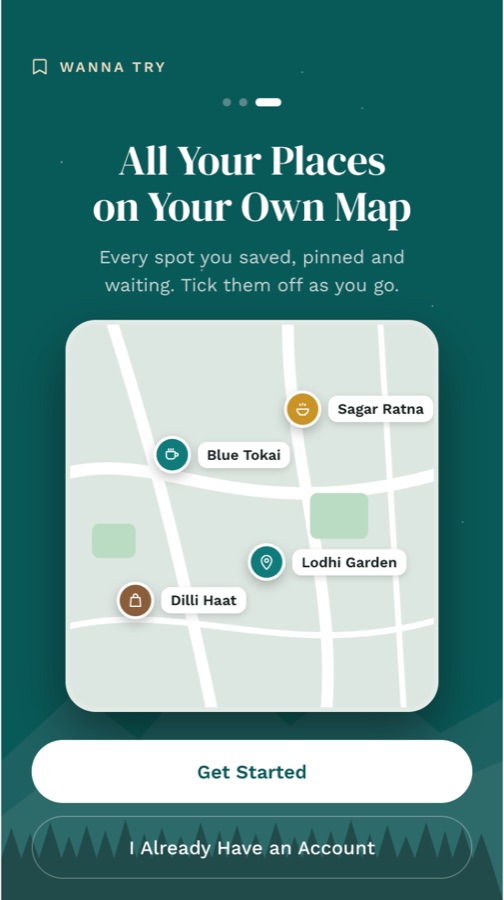
Wanna Try reads it, pulls out the place, price and timings, and keeps it in collections.
Try
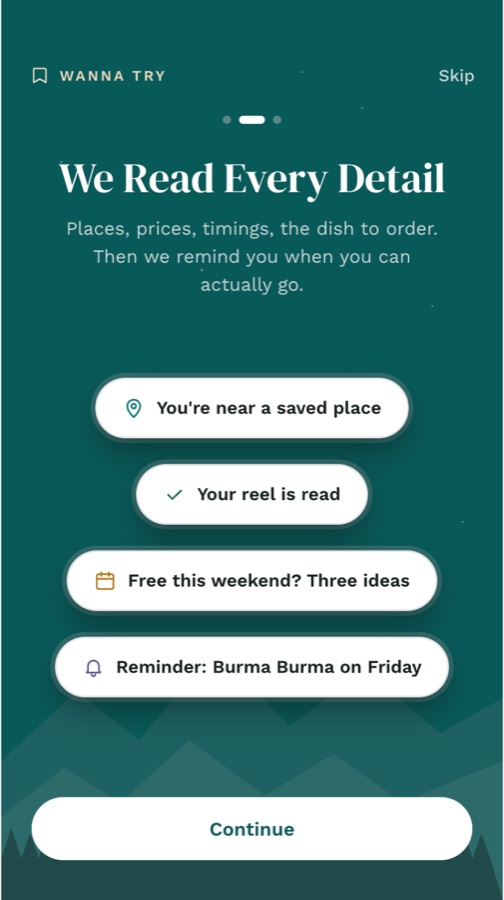
Get a reminder when you are free or nearby, make a plan, and actually try it.
What Happens to One Reel.
- SharedFrom Instagram, in two taps
- ReadCaptions, speech and pictures
- PlacedOn your map, with distance
- FiledInto the right collection
- RemindedWhen you are free or nearby
Good to Know.
What can I save in Wanna Try?
Instagram reels and posts (every slide of a carousel), YouTube videos, any web link, screenshots and photos, voice notes and plain text notes. Share from Instagram, YouTube or your browser, or paste a link in the app.
How do the reminders work?
Set "Remind me" on any save, or say it in a voice note ("remind me Saturday"). Wanna Try also brings back saves you have not tried at a good moment, like a free weekend, good weather, or when you are near a place you saved. Scheduled nudges are at most one a day and never at night.
Is what I save private?
Yes. Your saves, notes, voice notes and reminders are visible only to you after you sign in. They are not public, not shown to other people and not listed on Google. When you save a public place, it may add to an anonymous count such as "saved by 12 people", never with your name. We do not sell your data or show ads based on it.
 Scan to Get the App